Automations
Work that moves itself from app to app
Workflow automation across your apps
An automation listens across nineloops and acts in any app, on the same records. A deal is won and a task opens in Spaces, then an invoice is paid and the finance channel hears about it.
Automations is in every paid plan, from £67 a month billed yearly (£79 monthly), with a 15-day free trial and no card.
What you get with Automations
When this happens, do this.
Pick a trigger from any app, narrow it with filters and add the steps, or run it on a schedule.
- A deal is won
- An invoice is paid
- Payroll is paid
- A mention matches a saved search
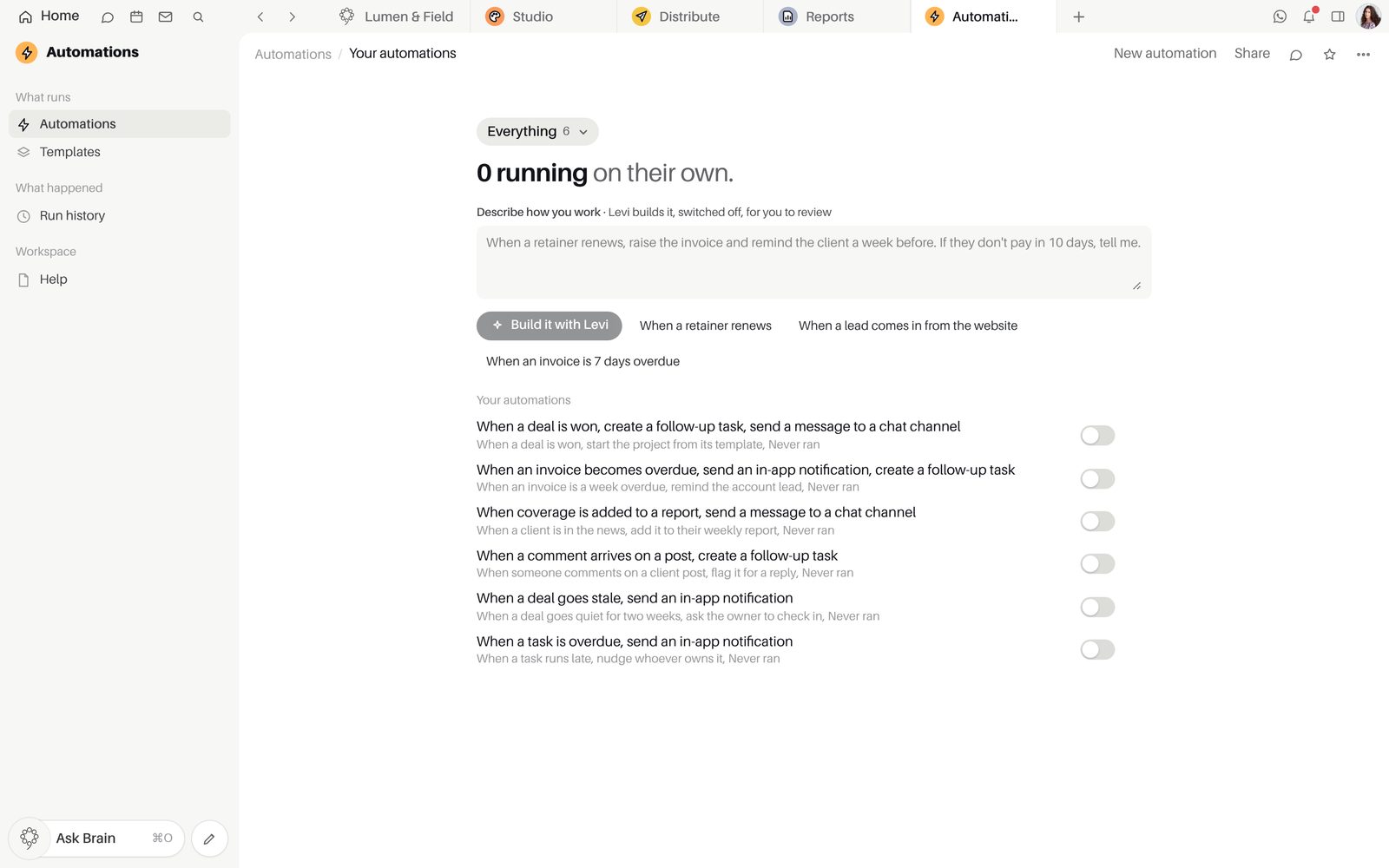
Actions that reach every app.
Create tasks and records, hand leads out in turn, post in a channel, email someone, ask for an approval or call your own systems.
- AI steps that summarise, classify or draft
- Approval requests land as high-priority tasks
- Webhooks to your own systems
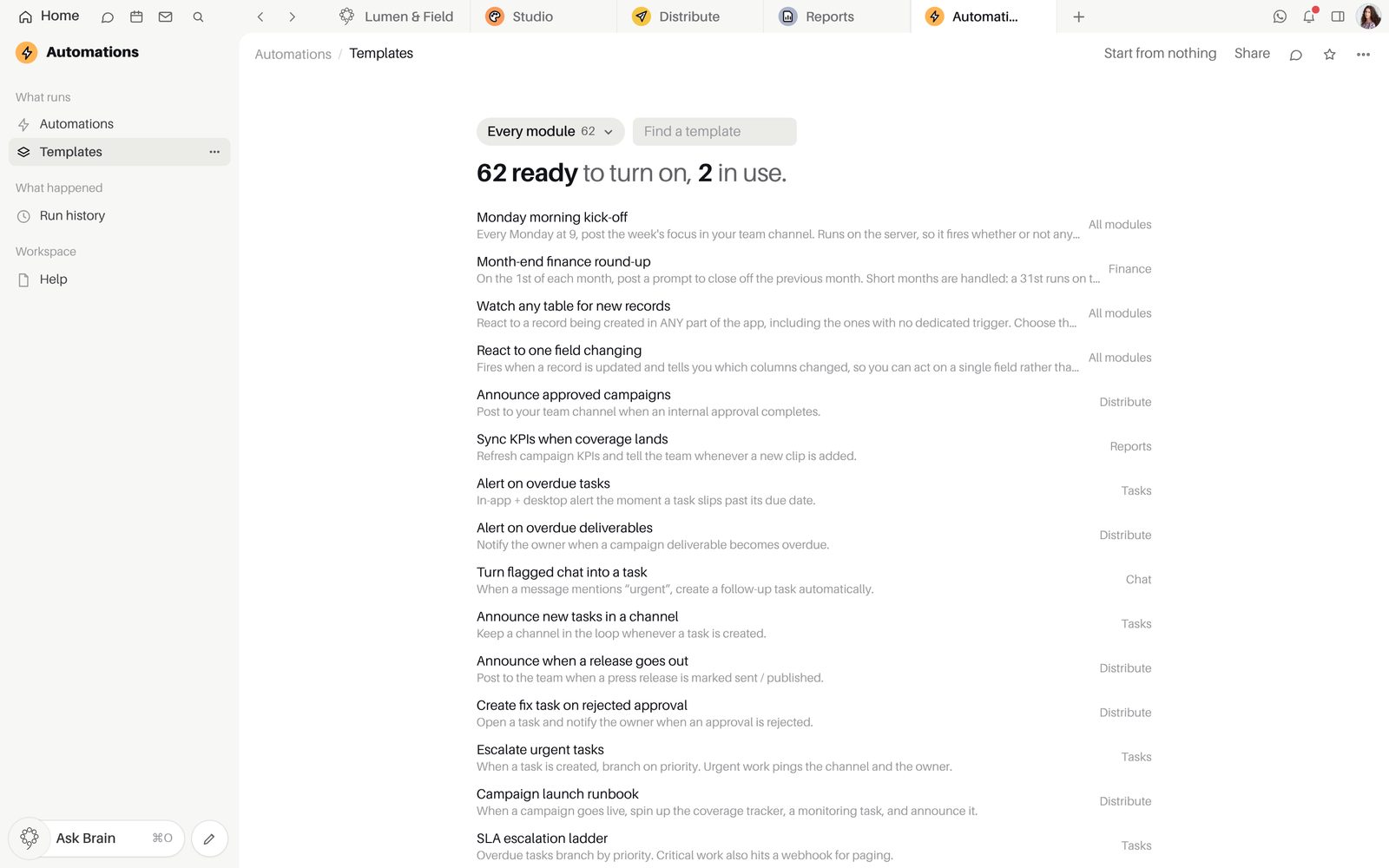
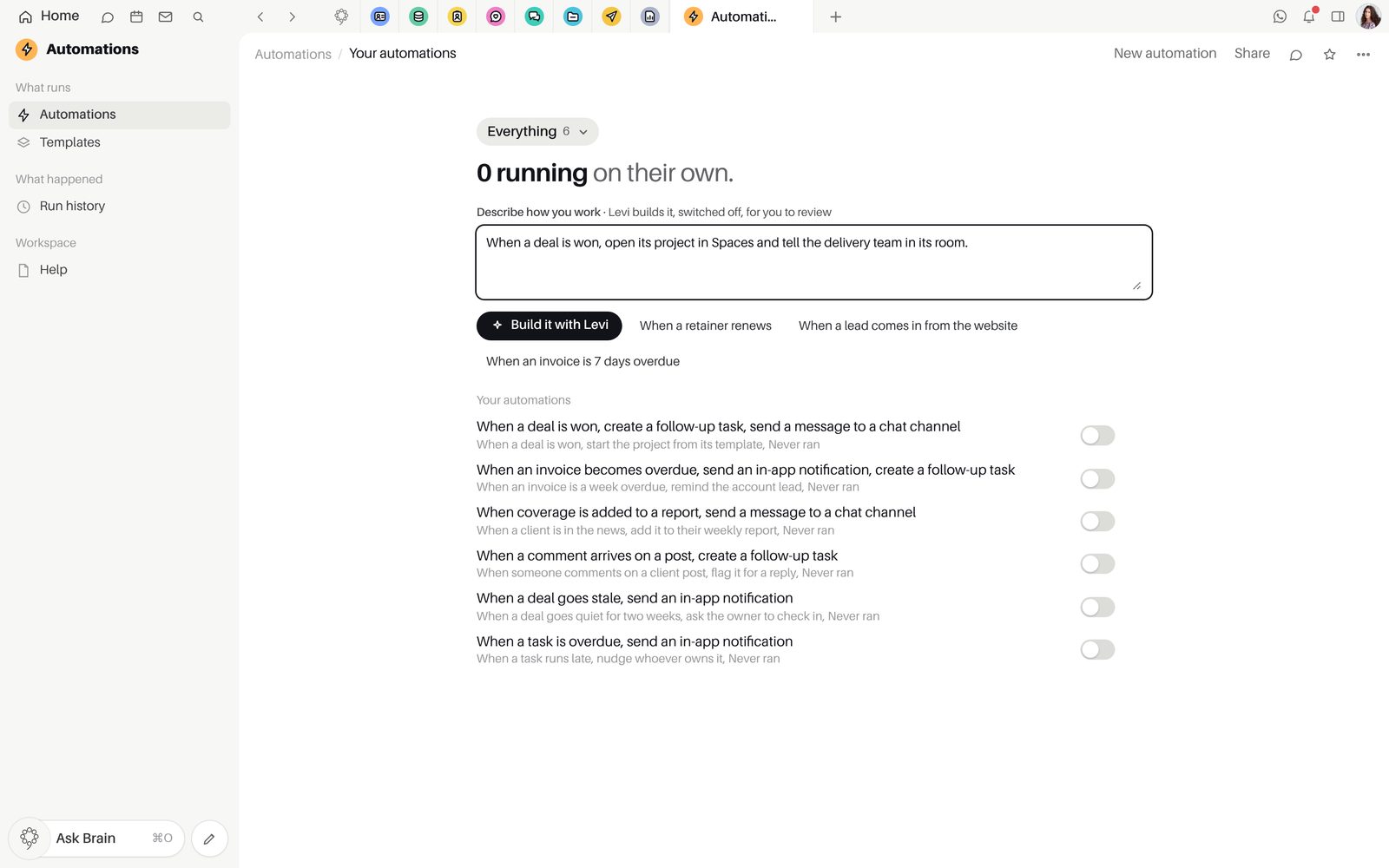
Describe it, and Brain builds it.
Start from a template, build a workflow with branches, or describe the rule in plain words. It arrives switched off for you to check.
- Describe it in plain words: Brain builds it from the engine's own steps, switched off for you to review
- A test run with sample data
- Run now, Duplicate and Unpublish from the list
- Pause it whenever you need to
Every run, written down.
Each run shows its steps as succeeded, skipped or failed, and the owner hears once when a rule fails.
- Every step of every run
- The owner told when a rule fails
- Describe a rule to Brain and it is built switched off
Inside Automations
PlansOn every paid plan, from Starter, and in the 15-day trial. Not on Free.
Good to knowSteps run straight through. An approval request makes a task, and the rule carries on without waiting for the answer.
Good to knowA rule Brain builds for you is saved switched off until you turn it on.
Good to knowAutomations is on every paid plan and is not part of Free.
Questions about Automations
How do I make my first automation?
Open a template for the app you work in, or build one under "When this happens" and "Then do this". It is saved without running, so test it with sample data, then choose "Turn it on".
Which apps can start an automation?
Tasks, the CRM, Finance, Distribute, Docs, Team Space, Monitoring, Reports, HR, Social and your inbox. The steps that follow can work in any of them, post in a Team Space channel or call a webhook to your own systems.
Which plan includes Automations?
Every paid plan, from Starter, and the 15-day trial. Automations is not part of Free.
Can a rule wait for an approval before it carries on?
No. An approval request lands as a high-priority task for the person who approves, and the rule carries on without waiting. A delay step does not hold the run either.
How do I see what a rule did?
"Run history" keeps every run with its steps and marks each one "Succeeded", "Skipped" or "Failed", with the error. When a rule fails, its owner is told once per rule and error.
Start free.
Free for up to five people. Every paid plan includes every app. Browser, Mac and iPhone.