nineloops on your Mac and your iPhone
The Mac app keeps a local copy of your workspace, so it opens and works offline. The iPhone app carries your day when you are away from your desk.
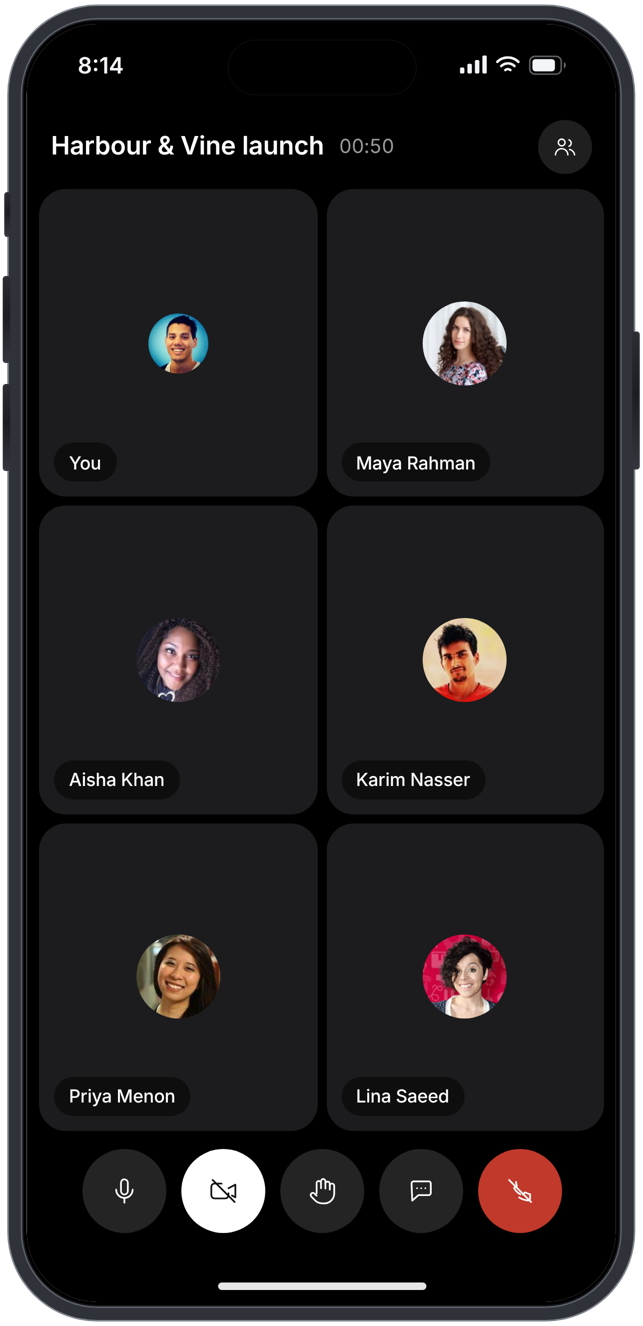
Wherever you work
Mac
The whole workspace, with every app your plan includes, in a native window.
Download, open the file and drag nineloops to Applications. New versions download in the background, and "Restart to update" appears in the title bar when one is ready.
iPhone
Your day and your tasks, Team Space chats, email, your Social inbox, the people directory and your time off, with calls on Growth and above.
Get it on the App Store and sign in with your nineloops account.
Browser
The same workspace from any computer.
Sign in at nineloops.ae/app with the same account.
Questions about the apps
Does the Mac app work offline?
Yes. It keeps a local copy of your workspace, so it opens and stays usable offline. The changes you make are queued and sent when you reconnect.
Which Macs does it run on?
Macs with Apple silicon on macOS 12 and later. The app is signed with the nineloops Developer ID and notarised by Apple.
How does it update?
New versions download in the background. When one is ready, "Restart to update" appears in the title bar.
What can I do on the iPhone?
See your day as a stack of cards, work your tasks and create new ones, and write in Team Space rooms. Answer your Social inbox and email, find people, request time off and raise support tickets. Calls work on Growth and above.
Do devices count towards my plan?
A device is one computer or phone a person is signed in on. Free allows 1 device per person, Starter 3, Growth 5 and Agency 10, and Enterprise has no limit. Settings, "Sign-in & security" lists every device on your account, and you can sign one out there.
Can I use nineloops on Windows?
Yes, in any current browser at nineloops.ae/app, with the same account and the same workspace.
Start free.
Free for up to five people. Every paid plan includes every app. Browser, Mac and iPhone.