Team Space
A room for every project, with its people already in it
Team chat with a room for every project
Every team, space and project gets its own room. Deals, invoices and documents land in a message as live cards, and any message becomes a task.
Team Space is in the Free plan for up to 5 people, and in every paid plan.
What you get with Team Space
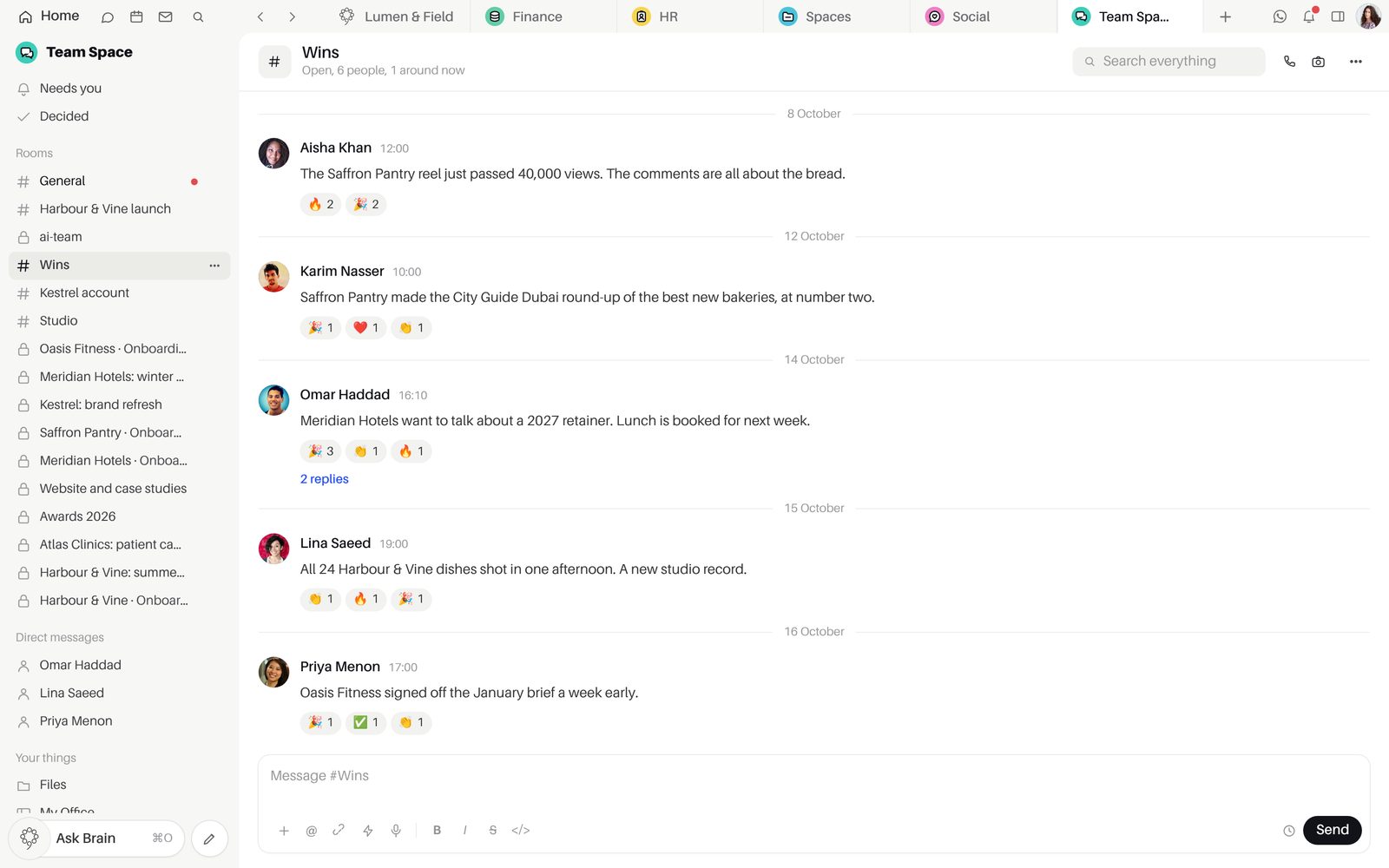
Rooms made from the work.
A project's room holds the project's people and changes as the team does, with channels, threads, direct messages and groups of up to 20.
- Browse channels to join an open one
- Threads you follow and resolve
- Mention a person, a whole team, or @channel, @here and @everyone
- Forward a message, Star it or Mark it unread
- Polls, link previews and "Also send to" another room
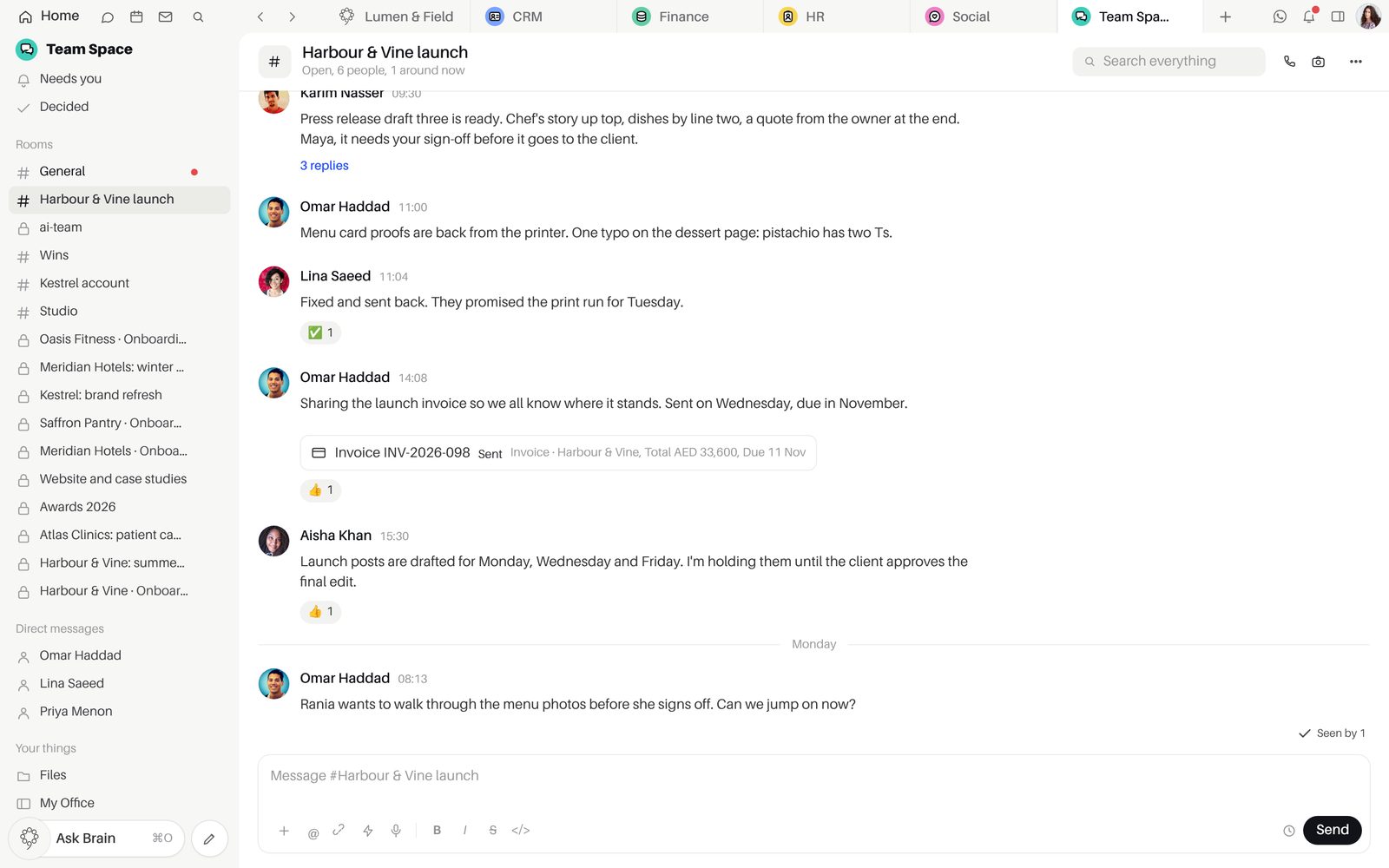
Live records inside the conversation.
Drop a deal, invoice, report or design into a message as a card that updates for everyone when it changes.
- Turn into a task, with the project, the person and the day
- Make the task without leaving the room
- Decided: what the team agreed
- Drop a task, a lead or a design into a message as a link that opens beside the room
Nothing waiting slips out of view.
"Waiting on you" gathers what needs your answer, and "Decided" keeps what the team agreed.
- Send later from beside Send
- Unsend within six seconds
- Voice notes from the composer
- "/task" makes a task, and "/remind" posts in the room at the time you choose
Call anyone from any conversation.
From Growth, video for up to 12 people, voice for up to 30, screen share and a guest link. Calls reach the Mac and iPhone apps even when they are closed.
- Camera, microphone and screen share
- Raise a hand, grid or speaker view
- Calls on the iPhone app
- A call reaches the Mac and iPhone apps as a notification, even when the app is closed
Inside Team Space
PlansOn every plan, Free included. Voice and video calls start on Growth.
Good to knowVoice and video calls start on Growth.
Good to knowCall recording, live captions and transcripts are not available yet.
Questions about Team Space
Do I have to set up rooms by hand?
No. Teams, spaces and projects come with their own rooms, with their people already in them, and members follow the team as it changes. You can add channels and direct messages of your own at any time.
How do records from other apps appear in a conversation?
Type @@ in the composer and pick a project, a CRM record, an invoice, a document, a report or a Monitoring mention. It lands as a live card, so a paid invoice shows as paid to everyone allowed to see it.
Which plan do I need for calls?
Team Space is on every plan, Free included. Voice and video calls start on Growth, with no per-seat or per-minute charge on top.
How many people can join a call?
Up to 12 on video, and up to 30 when the call runs as voice. Call recording, live captions and transcripts are not available yet.
Can I take back a message?
Yes. "Unsend" counts down beside the message for six seconds after you send it. "Send later" holds a message until the time you choose.
Start free.
Free for up to five people. Every paid plan includes every app. Browser, Mac and iPhone.