Docs
Documents that stay true, on the record they describe
Company wiki and documents
Every page has a steward, a status and a date by which it is checked again. Link it to a deal, an invoice or a contact and it shows on that record.
Docs is in the Free plan for up to 5 people, and in every paid plan.
What you get with Docs
Write together, live.
See who else is on the page, press / for any block, and keep tables and databases inside the page.
- Templates, or a blank page
- Version history on every page
- Open in its own window
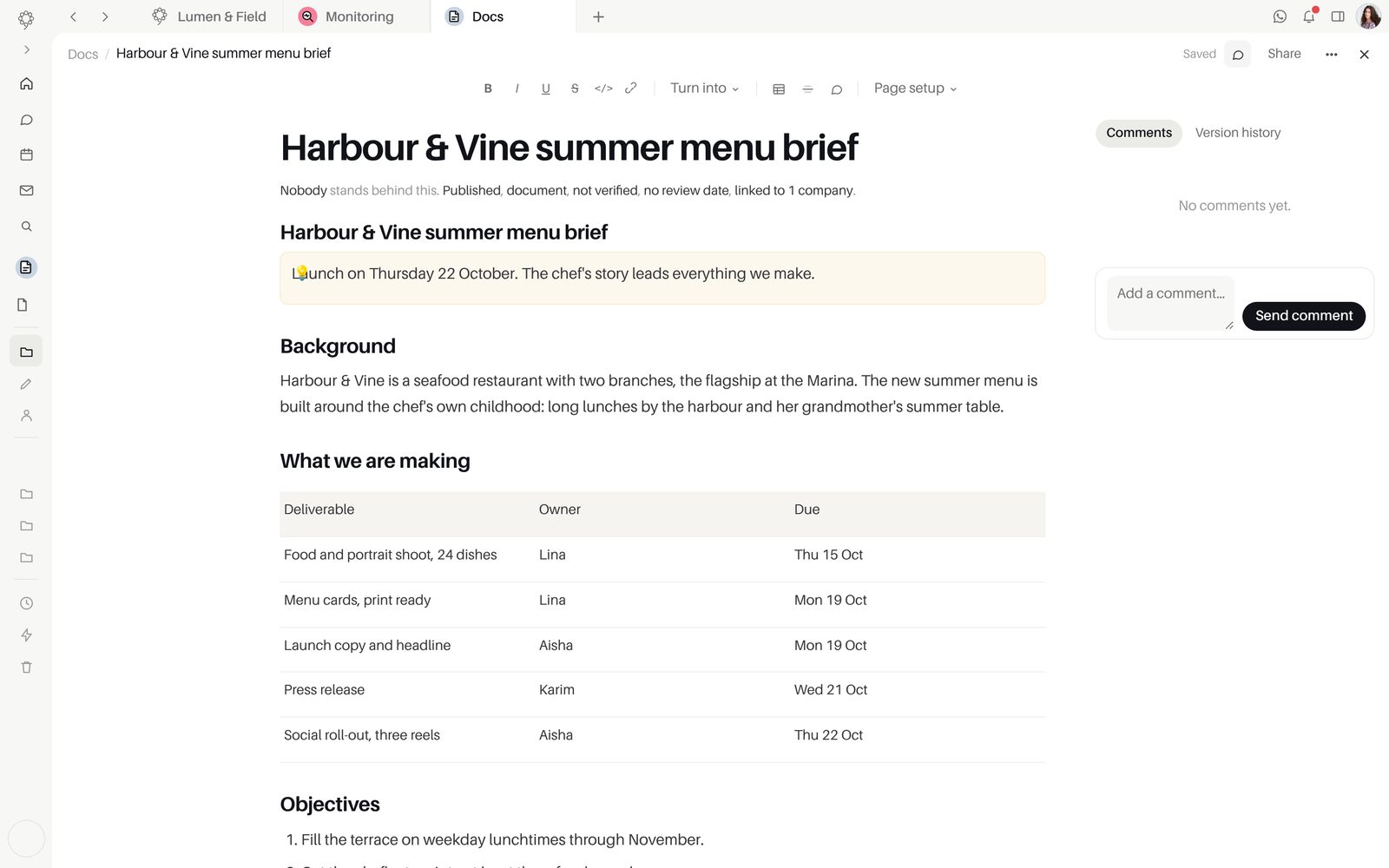
Someone answers for every page.
Each page has a steward, a status and a date by which it is checked again. The library shows what is expiring.
- Steward and lifecycle status on every page
- Ask for a review, with a Review due date
- Comments resolved when they are done
On the record it is about.
Link a document to a contact, deal, invoice or bill and it shows on that record, wherever it is opened.
- On CRM records
- On invoices and bills in Finance
- Shared into Team Space as a card
Shared on your terms.
Choose who can open each page, share it by link, or export it when it needs to leave nineloops.
- Who can open this, set per page
- Share this page by link
- Export to Markdown, HTML, Word or PDF
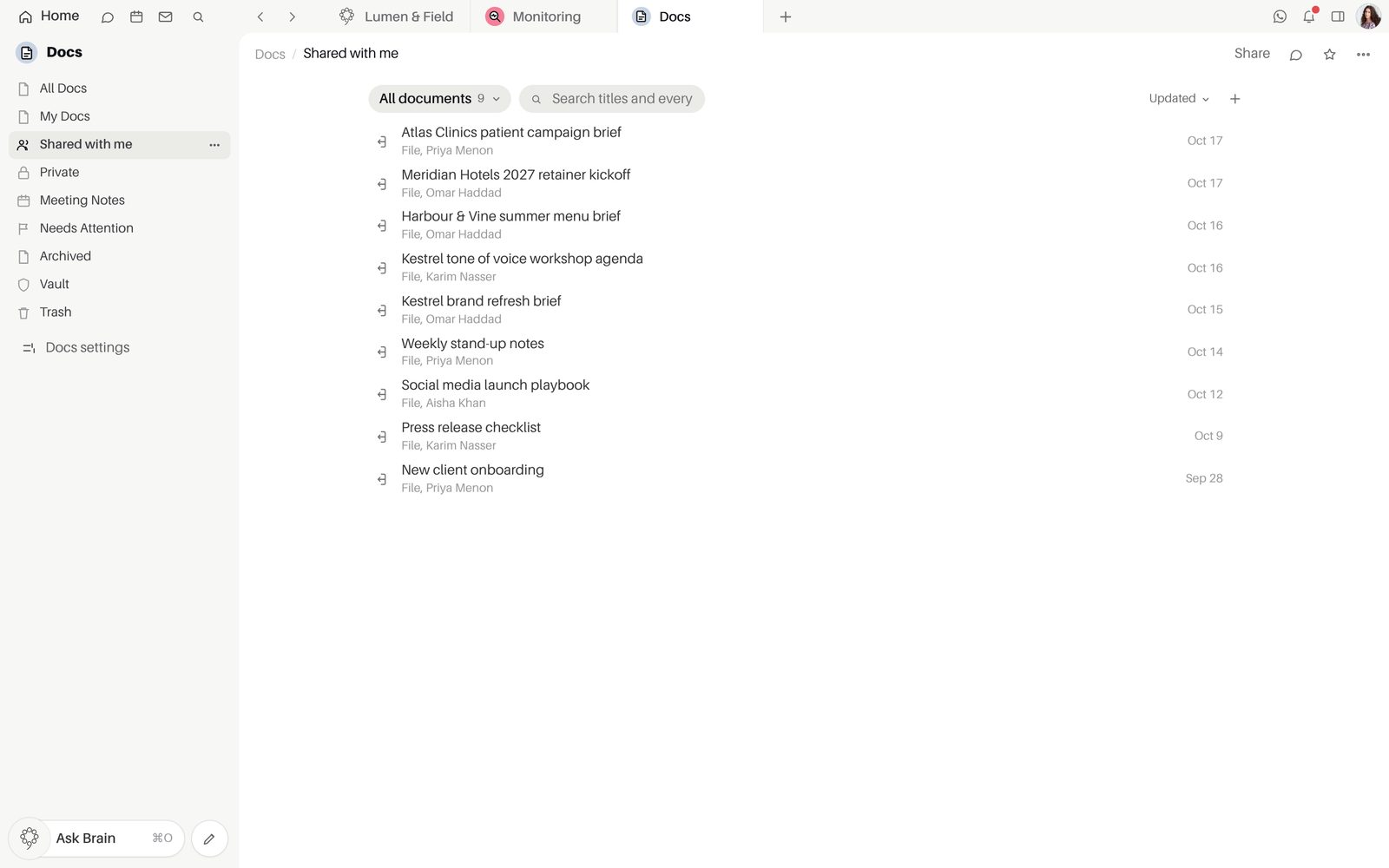
Inside Docs
PlansOn every plan, Free included.
Good to knowFree includes Docs, with 5 GB of storage for the workspace.
Questions about Docs
How do I start a document?
Choose "New document" and start from a template or a blank page. Press / for a block, then set a steward and a review date once the page is ready to rely on.
How do documents connect to the CRM and Finance?
Link a page to a contact, company, deal, invoice, bill or expense and it shows under "Documents about it" on that record. Type @@ in a Team Space room to share it as a card that opens the page.
Is Docs on the Free plan?
Yes. Docs is on every plan, Free included, so the whole team can write from the first day.
How much can I store?
Free gives the workspace 5 GB of storage. Paid plans add more, along with more people, workspaces and devices.
Who can open a page?
You choose for each page under "Who can open this", and "Share this page" makes a link when someone needs one. Brain and AI employees read and update pages where you give them access.
Start free.
Free for up to five people. Every paid plan includes every app. Browser, Mac and iPhone.