Distribute
Email that shows the money it made
Email campaigns and press outreach
Send campaigns and flows to the people already in your CRM. When someone pays an invoice or a deal is won, the email they clicked gets the credit.
Distribute is in every paid plan, from £67 a month billed yearly (£79 monthly), with a 15-day free trial and no card.
What you get with Distribute
Send at the hour each person reads.
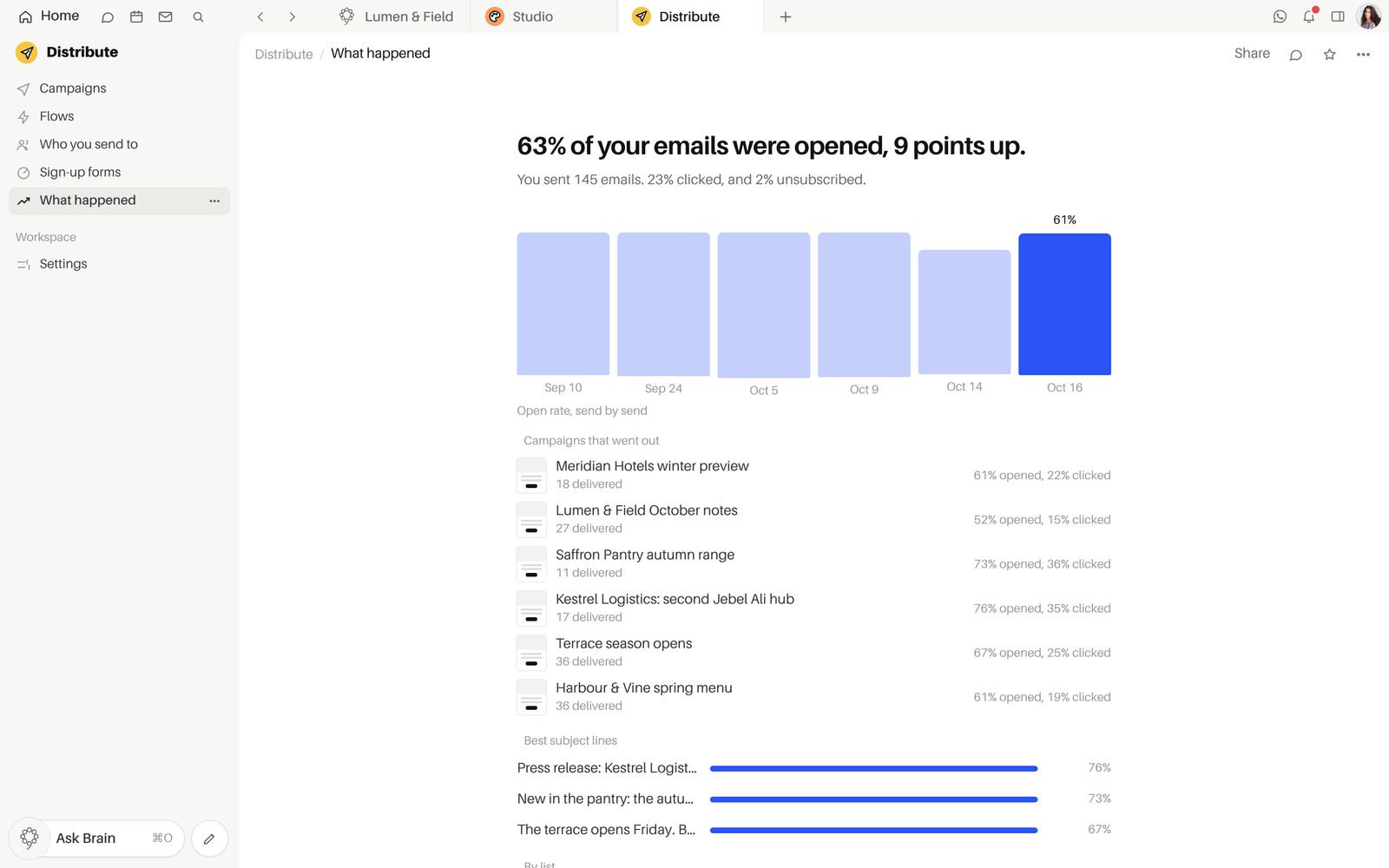
Build the email from blocks with your Studio designs and Shopify products, then send now, schedule it, or let each person get it at their best hour.
- "Send a test"
- Products from your Shopify store
- Schedule, On their own clocks and Each person's best hour
- "Test two subject lines", with "Winner by"
- "Unschedule" takes it back to a draft
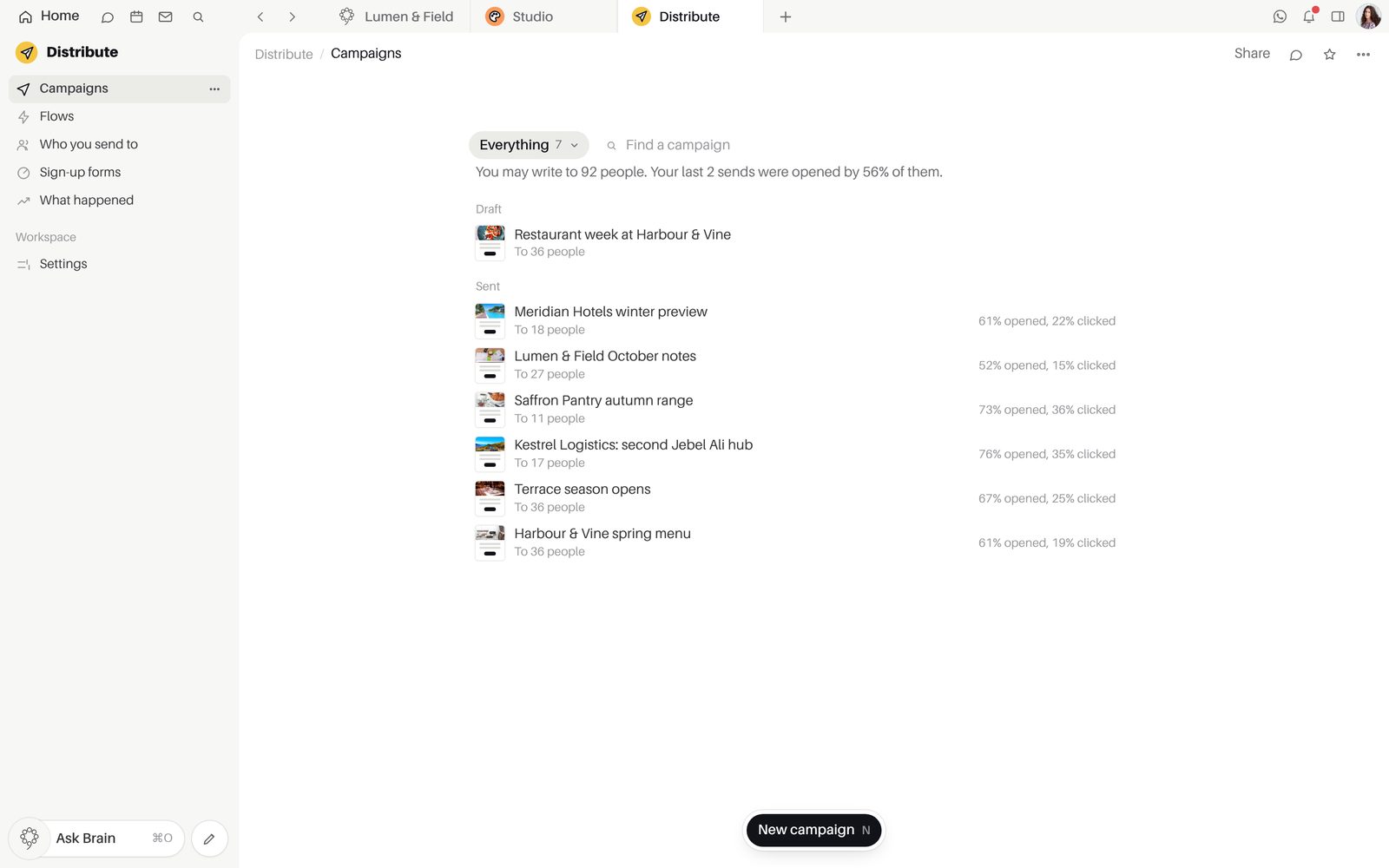
Flows that follow up for you.
A welcome series, a win-back or a nudge on an open quote runs by itself once it is on, and skips anyone who did not open the email before.
- "Welcome series" and win-back flows
- Flows started by paid invoices, won deals and open quotes
- Pause a flow and nobody new is written to
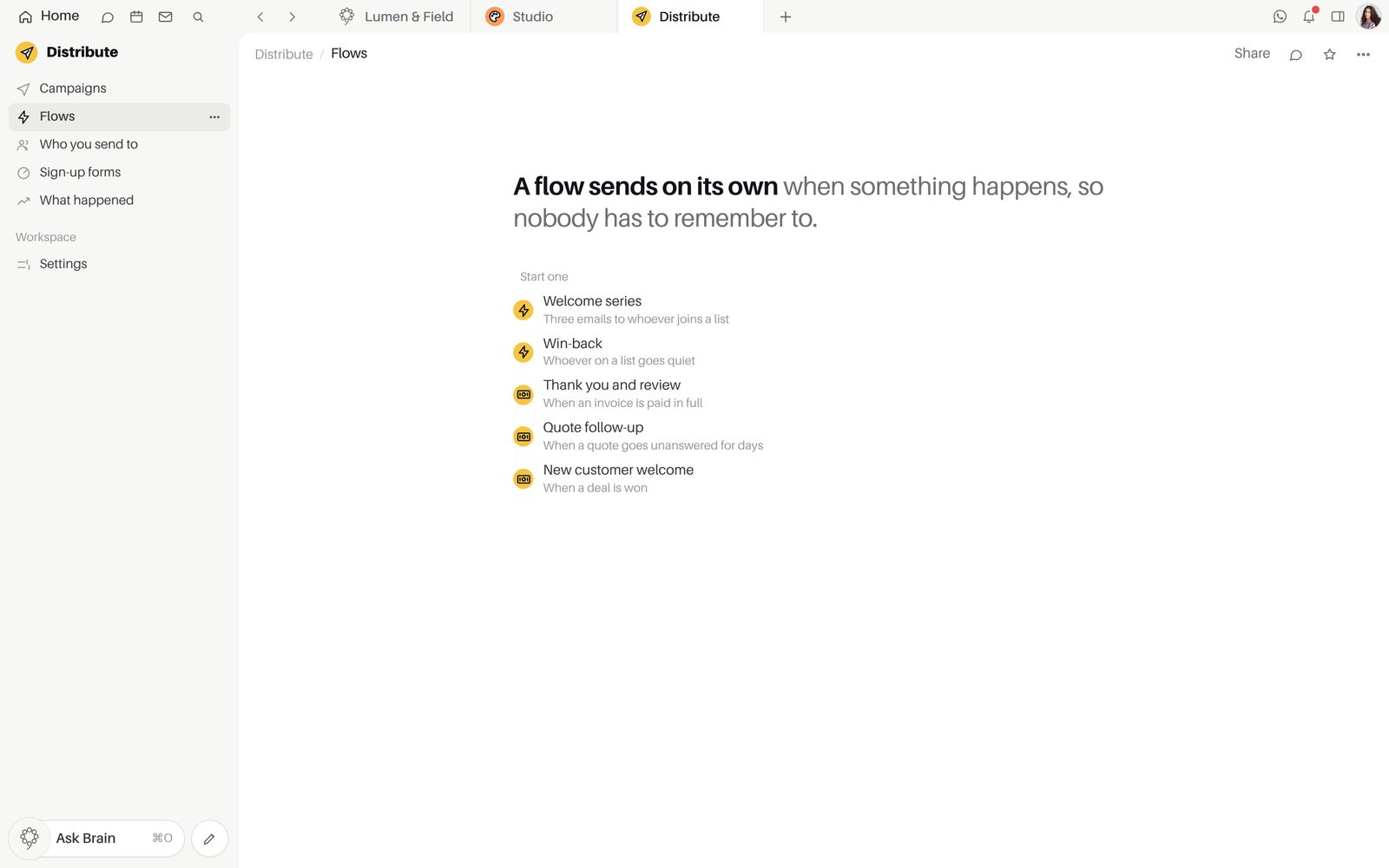
Lists with consent kept for you.
Fill a list from the CRM in one step. Opted-out, unsubscribed and bounced addresses are held back from every send.
- Add people from the CRM
- Import people from a spreadsheet
- Consent history for each person
- Sign-up forms as a form on a page, a popup or a page of their own
- Smart Sending leaves out anyone emailed in the last 16 hours, so nobody gets two campaigns at once
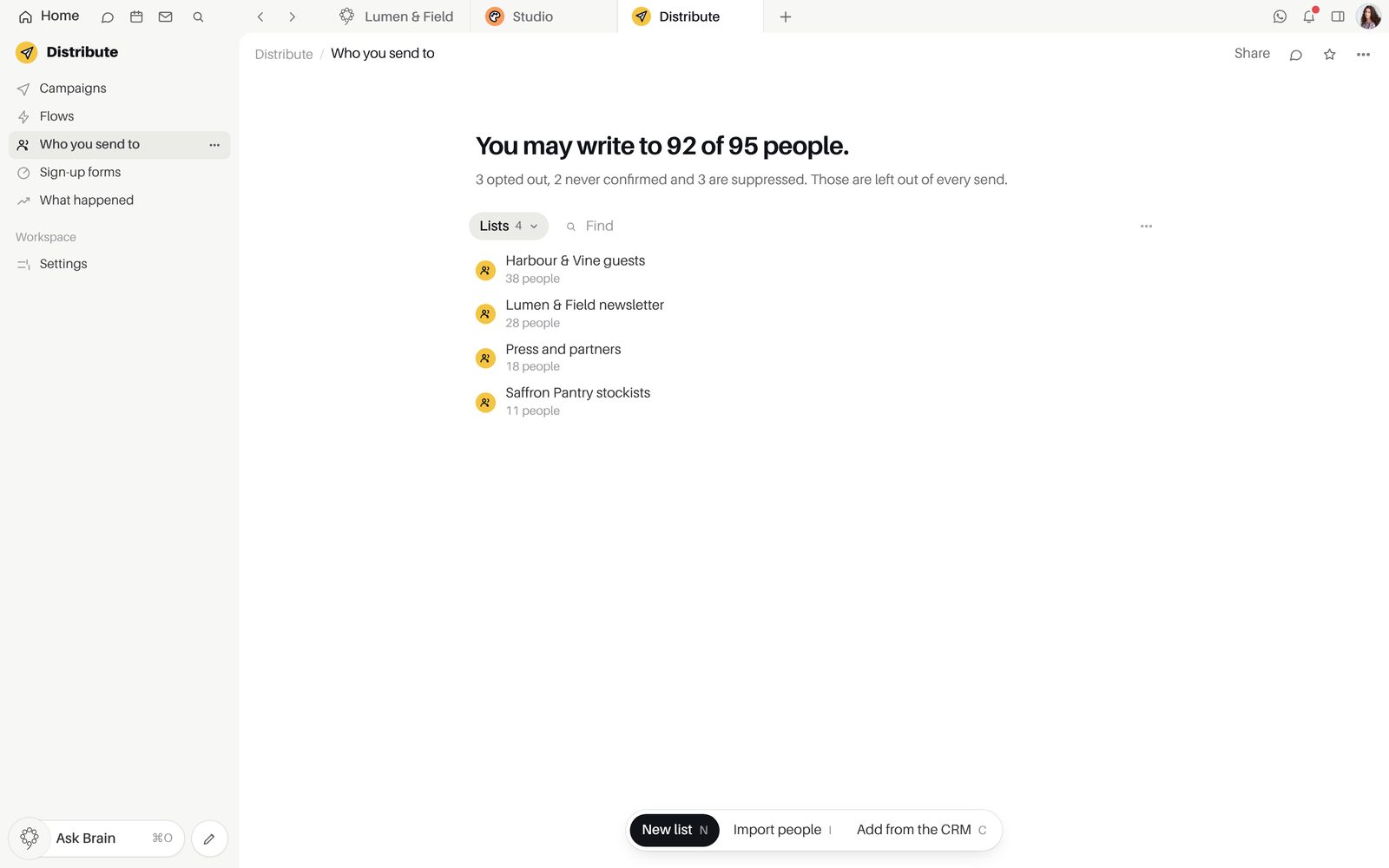
See what every campaign earned.
A paid invoice or won deal counts for the last email its buyer clicked within 5 days, so each campaign shows its return.
- A click map of each email
- "What it earned", kept in each currency
- "Who reads you", and who has "Never opened anything"
Inside Distribute
PlansIncluded in every paid plan: Starter, Growth, Agency and Enterprise. Starter, Growth and Agency begin with a 15-day free trial of every app, with no card. Not part of Free.
Good to knowA campaign does not leave until the workspace has an address to send from, and the campaign says "Nothing to send from" until then.
Good to knowAn address that opted out, unsubscribed or bounced is held back from every send.
Questions about Distribute
What do we set up before the first send?
Set who the email comes from in Distribute's settings, then build a list with "Add people from the CRM" or "Import people". Write the first campaign in the block editor and "Send a test" to yourself before it goes.
How does Distribute connect to the other apps?
Lists come from your CRM contacts, and every send, first open and first click is written on the person's CRM timeline. Flows can start when an invoice is paid in full in Finance, a deal is won or a quote goes unanswered. Your saved Studio designs sit among the email's pictures.
Which plan includes Distribute?
Distribute is included in every paid plan: Starter, Growth, Agency and Enterprise. Starter, Growth and Agency begin with a 15-day free trial of every app, and starting it needs no card. Distribute is not part of Free.
How is a sale credited to a campaign?
A paid invoice or won deal counts for the last email the buyer clicked within 5 days of the click, unless your workspace sets another window. People are matched by email address, and each sale counts once.
How is consent handled?
Consent is kept for each person, with its history. Opted-out, unsubscribed and bounced addresses are held back from every send, and a sign-up form can ask people to confirm by email before they join.
Start free.
Free for up to five people. Every paid plan includes every app. Browser, Mac and iPhone.